



Color is critical in design, branding and visual storytelling. It conveys feelings, establishes moods, and directs focus, which is why it is a critical component of any creative project. It can be difficult to create a powerful and consistent color scheme, particularly when there is a need to be consistent in several assets. Manual adjustments and other traditional color correction can take hours even to an expert. Sophisticated tools are now available offering more accurate answers. CapCut is a web-based video and image editing platform that has strong AI functionality to simplify visual creation. Among them, sophisticated color rendering systems allow creating vibrant, correct and visually appealing designs effortlessly and saving time in the process without compromising on the quality of the results.
The Effect of AI-Driven Colors Precision
Bright colors automatically attract and increase viewers interest. And correct color selections can make messages more understandable and can make your visuals more emotionally appealing. Tone changes made manually, though, tend to be uneven in color, saturation, or brightness. Designers also have to constantly harmonize palettes, balance tones and work around ambient light variations. Such monotonous activities not only delay the working process, but also expose them to human error. The AIs used in CapCut solve these problems by automating the color interpretation process, making all photos and videos have the same vibrancy. One can remove the manual guess work and concentrate on the creativity instead of the technical correction. This accuracy is particularly helpful when creating graphics on a marketing campaign, social media, or professional presentation.
Nano Banana Pro’s Advanced Color Interpretation Engine
The Nano Banana Pro within CapCut transforms the way you work with color. Its powerful engine understands natural-language descriptions, so descriptions such as sunset orange haze or deep teal shadows can be converted into precise images. It ensures the system has the same logic of hue, saturation, and palette on various outputs, which is best suited in the project where consistency is needed. It also maintains character identity, brand elements and style consistency across multi image sequences. This option comes in handy especially in developing product mockups, social media banners, and educational illustrations without having to repeat manual modulations. Through this tool, designers can create professional quality graphics in a fraction of time as compared to the traditional way.

Prompting Techniques to Intended Results of Colour
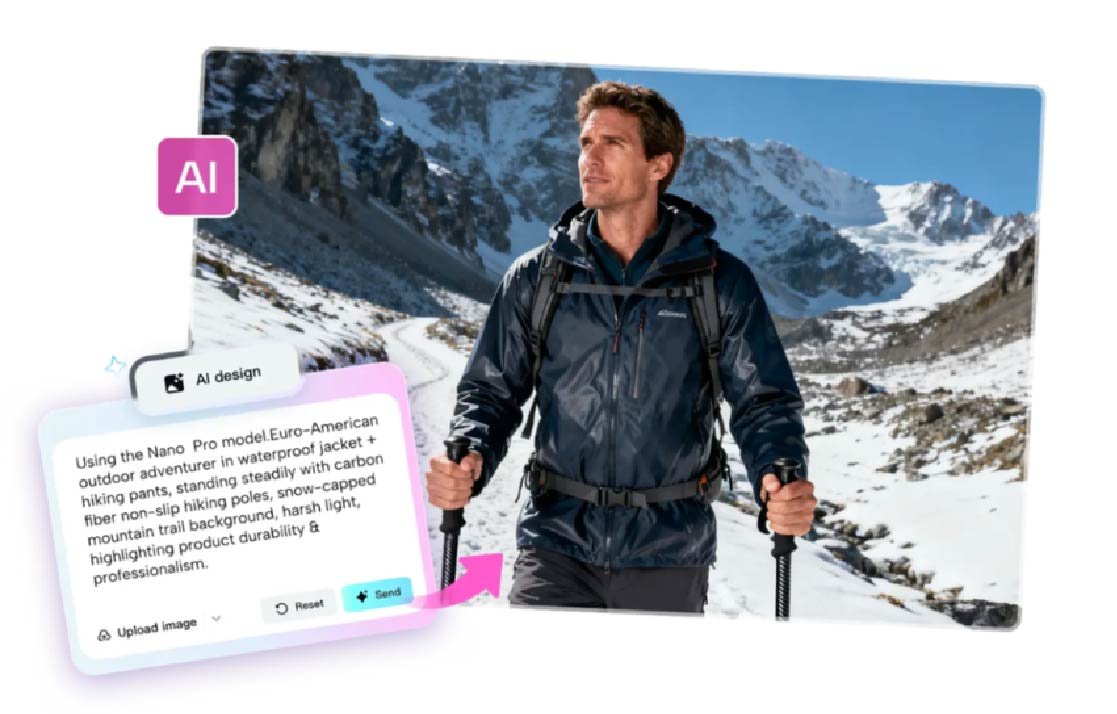
Precise prompting is important in order to attain intentional color results. CapCut allows gradient-based scenes, thematic palettes, soft pastels and neon schemes. It enables uploading of reference images so that the brand colors can be matched hence maintaining similar identity across different projects. The AI reacts to a piece of descriptive text, creating designs that mirror your vision, but with respect to color harmony. This workflow does not apply to still pictures only; it can also be used to improve a video when combined with CapCut. Artists and amateurs are free to experiment, using complicated color ideas without having to have advanced technical abilities. With the help of detailed prompts, it becomes smooth sailing in the process of reaching intentional, expressive, and visually consistent designs. Using an AI video maker on CapCut ensures that color integrity is maintained across dynamic content.

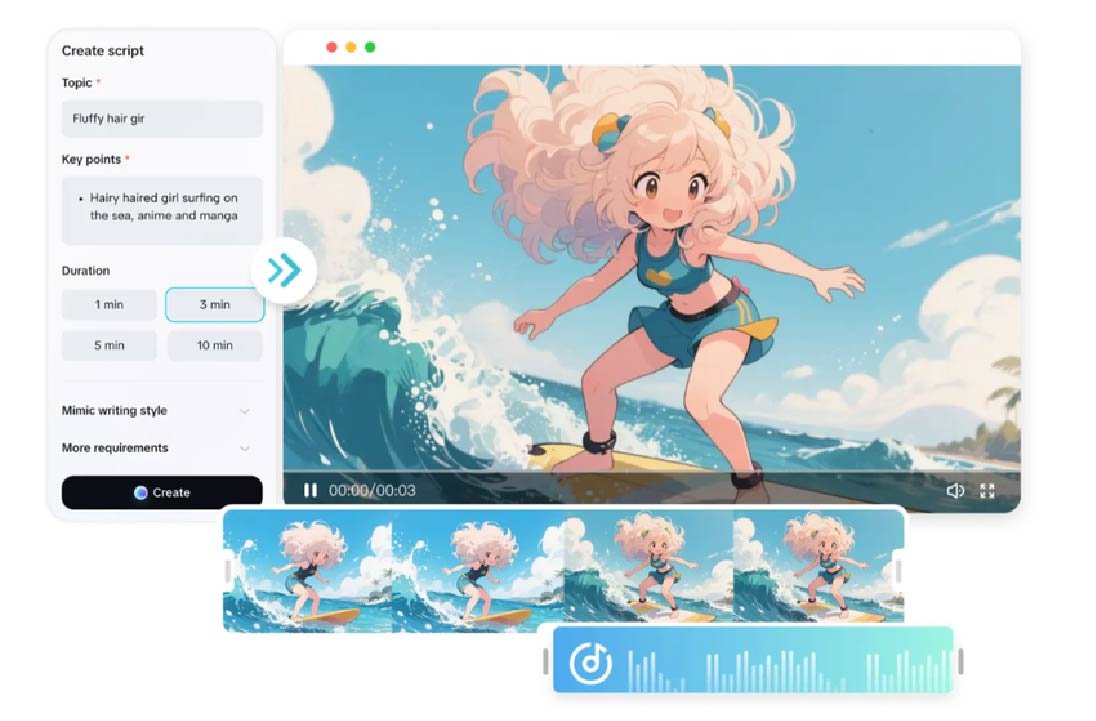
Steps to Make Vivid Color Schemes Effortless with Nano Banana Pro
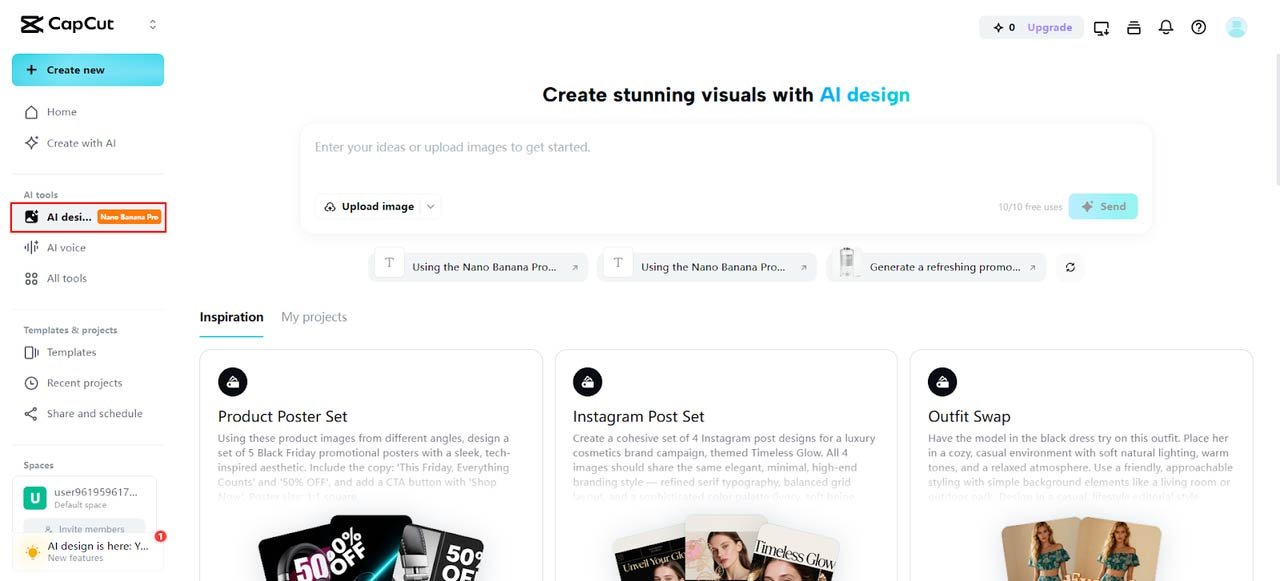
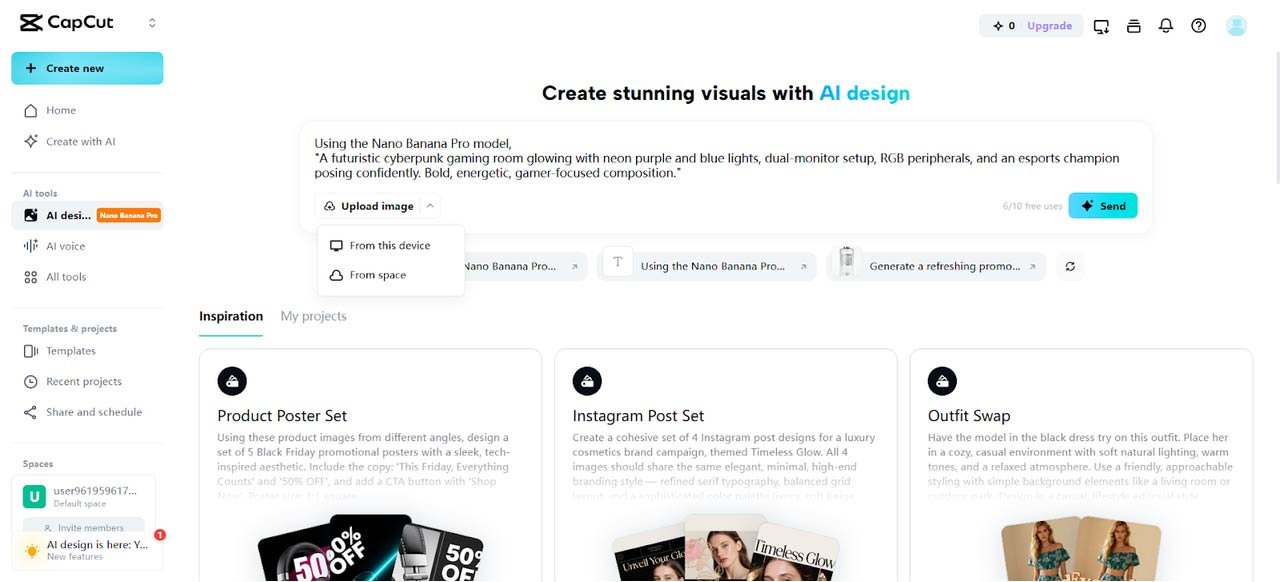
Step 1: Open the AI Color Design Dashboard Start by visiting the CapCut and completing the signup process. Head to the “AI design” tab under the AI tools menu on the left vertical side. This is the main workspace for accessing Nano Banana Pro’s advanced features for creating bold and vivid color schemes.

Step 2: Define the Color Concept and Add a Reference Enter a clear prompt into the text box that explains the mood, palette style, or theme. Upload a reference image to guide tones and vibrancy. The upload can be done from your device or cloud space. Click “Send” to generate your color scheme using Nano Banana Pro.

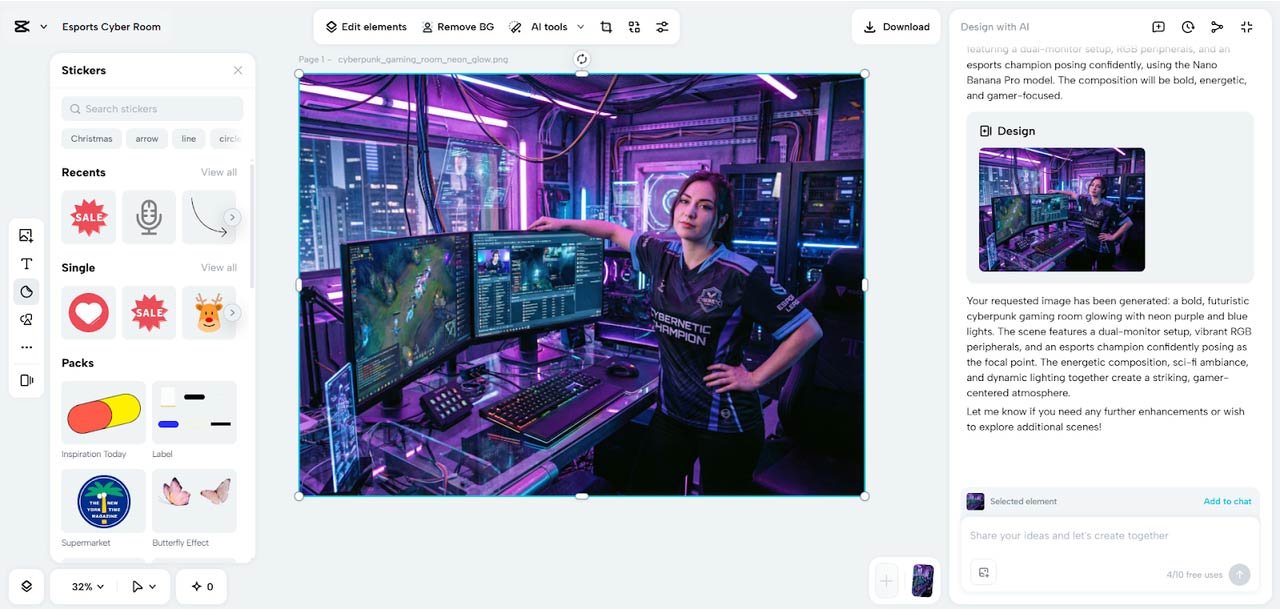
Step 3: Adjust Vibrance and Download the Final Scheme After the color design is generated, refine it using built-in editing tools such as text, stickers, shapes, and elements. Further enhancements like painting, upscale, or background expansion are available through the AI tools from the top menu.

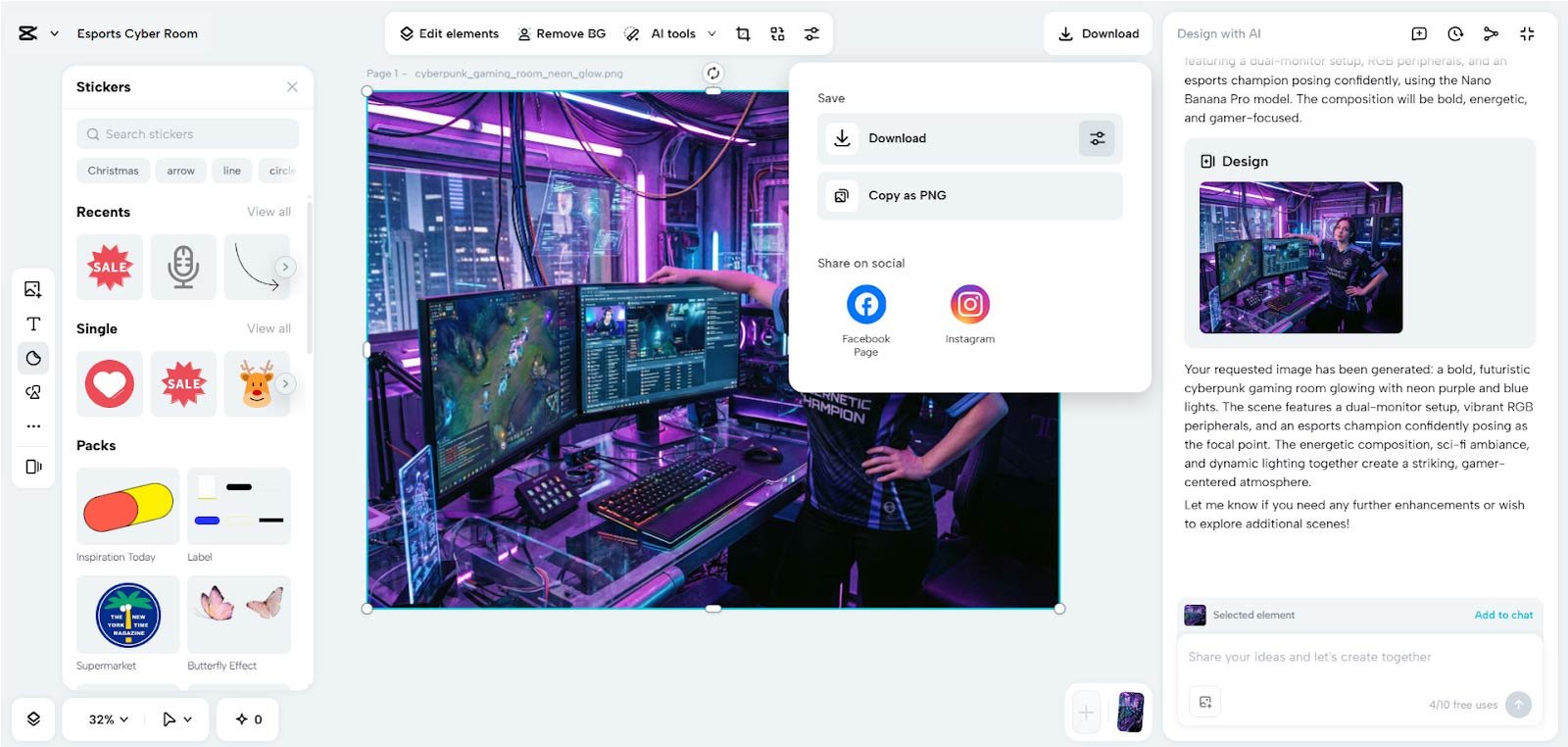
Once complete, click the “Download” tab present in the top right corner to save your vivid color scheme in high quality or copy it as PNG.

Color Vibrancy with CapCut Tools
CapCut has several tools that help to improve color vibrancy even more. Tone, tint, harmony and lighting can be adjusted to offer a close control of the visual outcome. Any design can be enhanced with filters and overlays to enhance contrast and saturation, which give it a three-dimensional look and feel. The platform guarantees that the changes are consistent throughout various elements, and this is especially useful in multi-asset projects. Such improvements complement AI-based color schemes, producing a refined and professional look without a lot of manual work. Automated color rendering with manual refinement offers both flexibility in quick iterations and detailed design tweaking.
Constructing Multi-Asset Project – Complete Color Systems
Working with multiple visual assets requires consistency. CapCut enables you to build elaborate color systems, such as palettes, matched backgrounds, icons and illustrations. Having consistency in images, videos, and graphics is the way of preserving brand identity. The same color logic can be used to create a library of assets generated by designers, minimizing the chances of visual mismatch. It works best with campaigns, e-learning resources, social media stories, or multi-scene video projects. Centralizing the color system, all elements are compatible with the desired aesthetics, which makes production and collaboration easier.
Color-Perfect Creations Exportation
When designs are complete, CapCut has the option to export color accuracy in mobile, web and print. Optimize file settings to provide maximum resolution, sharpness, and faithfulness. The platform has high-resolution outputs that can be used in 4K display, print-on-demand, and digital marketing. Correct export environments are those that do not kill the vibrancy, which is produced in the design process. This will maintain a steady stream of quality visuals to your audience irrespective of the type of media.
Conclusion
The ability to make professional grade color schemes vivid has never been easier. With the incorporation of sophisticated AI tools into CapCut, designers will be able to produce accurate, captivating, and consistent images in just a few minutes. The Nano Banana Pro empowers creators to describe, generate, and perfect colors with unprecedented efficiency. CapCut offers a fully equipped, browser-based platform option to high-quality, color-rich designs, whether it is social media assets or multi-asset branding. Its hybrid approach to AI interpretation, manual control, and automatic export features make it the most suitable platform to any user who wants to have the freedom of advanced color control and the ability to be creative on par with professionals.