



When you build skits, short ads, story videos, or meme-style content, the time sink is rarely the “idea.” It is the production. Two tasks slow creators down the most. Editing multiple faces consistently across a scene, and matching voice delivery without re-recording everything.
This post spotlights two tools for those jobs. One for multi-person face swapping in a single image. One for voice cloning for legitimate, permission-based audio workflows.
Tool A. Multi-person face edits in one shot
If you are working with group photos or scenes with multiple characters, doing face changes one by one is tedious. That is why Multiple Face Swap is useful. It focuses on swapping several faces in the same image so you can produce variations faster, especially for skits, team-style creatives, or concept mockups.
Quick workflow tips that usually improve results.
- Use a clear base image with faces looking toward the camera.
- Choose face sources with similar lighting and angle.
- Swap fewer faces first, then scale up if the scene stays consistent.
- Zoom in on hairlines, glasses edges, and side profiles before exporting.
Competitor snapshot. Multi face swap
| Option | Best for | Strengths | Tradeoffs |
| BeArt multiple face swap | Group shots and multi-character scenes | One place to handle many faces, faster iteration | Hard angles and heavy blur can reduce realism |
| Mobile face swap apps | Quick casual edits | Fast, simple | Less control for multi-person accuracy |
| Desktop compositing | High control work | Manual precision | Slow, skill-heavy |
| Local open-source pipelines | Power users | Lots of tunability | Setup time and inconsistency risk |
Use cases where this shines.
- Group photo variations for creator content
- Multi-character meme edits
- Marketing concepts where you need fast “what if” versions
Responsible use note. Only swap faces with consent, or for clearly non-deceptive content like parody. Avoid impersonation, fraud, or harassment.
Tool B. Voice cloning for permission-based audio
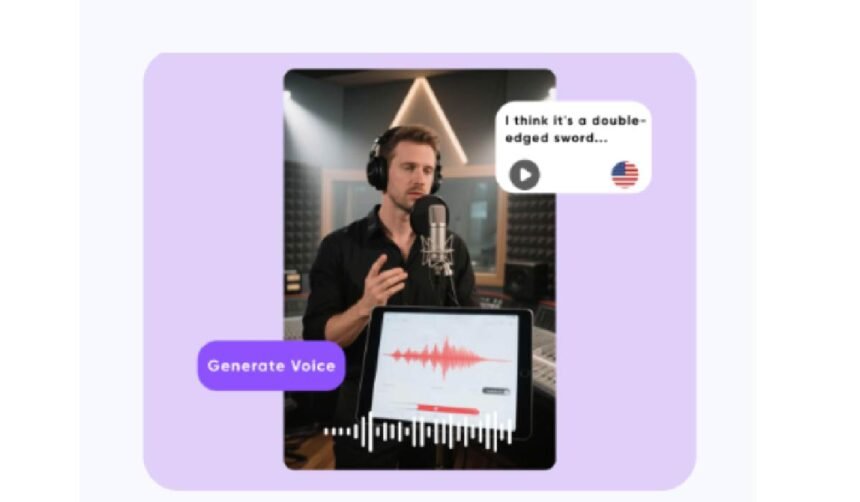
Voice tools can be helpful for legitimate workflows like creating a consistent brand voice you own, re-recording fixes for your own narration, or making multilingual versions with the original speaker’s permission. For that category, AI Voice Cloning is aimed at generating a cloned voice from a reference, then producing speech from text.
A safe, practical approach.
- Only clone voices you own or have explicit consent to use.
- Use clean audio input. Minimal noise, consistent distance to mic.
- Keep scripts short at first, then expand once pacing sounds right.
- Review outputs for mispronunciations, unnatural pauses, and name accuracy.
Competitor snapshot. Voice cloning
| Option | Best for | Strengths | Tradeoffs |
| Remaker voice cloning | Permission-based brand narration | Consistent voice across scripts | Needs good reference audio for best results |
| Standard TTS voices | General narration | Easy and predictable | Less personal identity match |
| Hiring voice talent | High stakes campaigns | Natural delivery, direction control | Cost and scheduling |
| Local voice cloning setups | Advanced users | Control and experimentation | Higher complexity and ethical risk if misused |
Wrap up
If you need multi-character visual edits, start with BeArt’s multiple face swap because it targets the hardest part, group consistency. If you need voice continuity for content you own or are licensed to produce, use voice cloning carefully and transparently. Test both on one real project first, then scale to batches once you have a repeatable standard.